
Steps to Setting Up Your Pool
1. Balance Your Water
Always start by getting your water in the proper range:
- Total Alkalinity: 80-120 ppm
- pH: 7.2-7.8
- Total Hardness: 200-400 ppm
2. Check Stabilizer (Cyanuric Acid)
Have a dealer test your Cyanuric Acid (CYA) level.
- Helps protect chlorine from sunlight
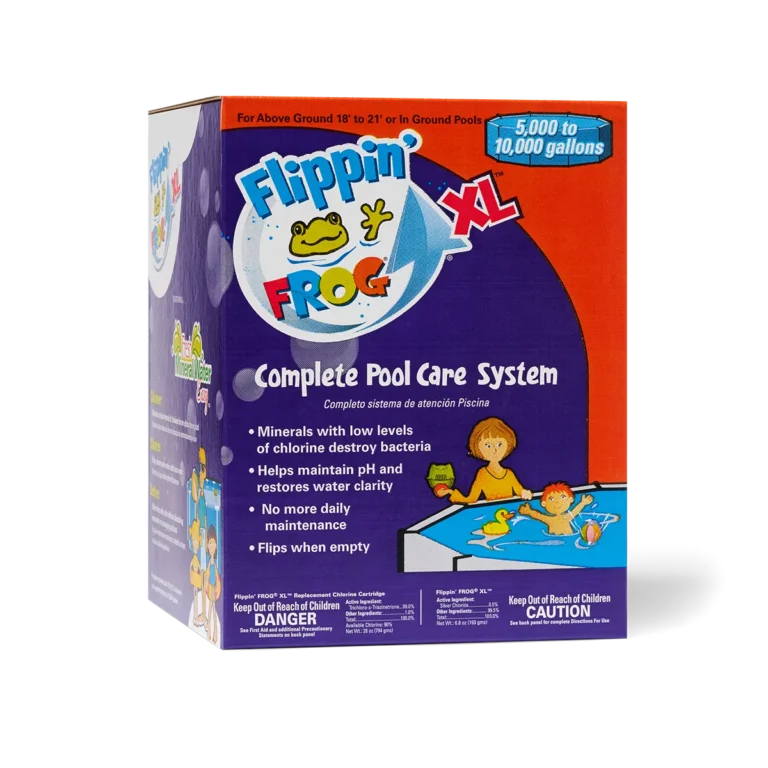
- Flippin’ FROG XL Cartridges include some CYA, but always confirm your level before starting the season
3. Shock the Pool
Add a chlorine shock to:
- Kill contaminants
- Create an initial chlorine level
This makes it easier to set your FROG® System to maintain low chlorine levels (0.5–1.0 ppm).
4. Add Algae Protection
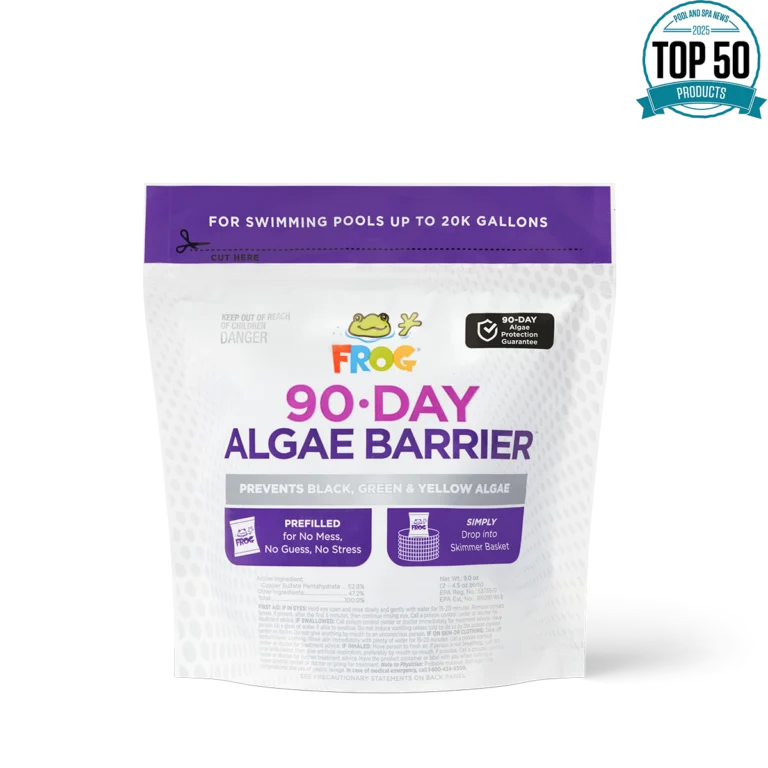
Use a preventative like FROG 90-Day Algae Barrier®:
- Simply drop it in the skimmer
- Helps prevent algae for up to 90 days
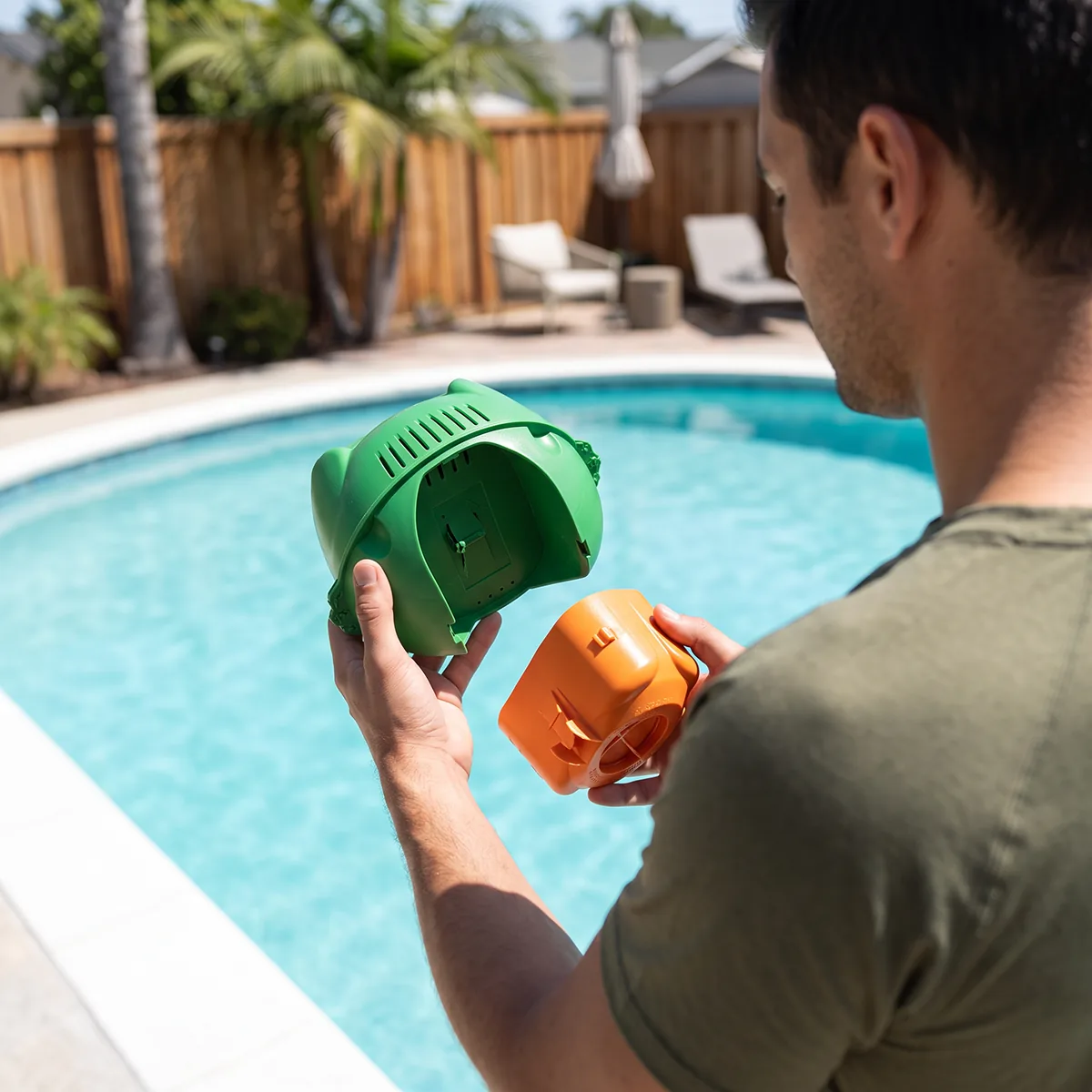
5. Set Up the FROG Cartridges
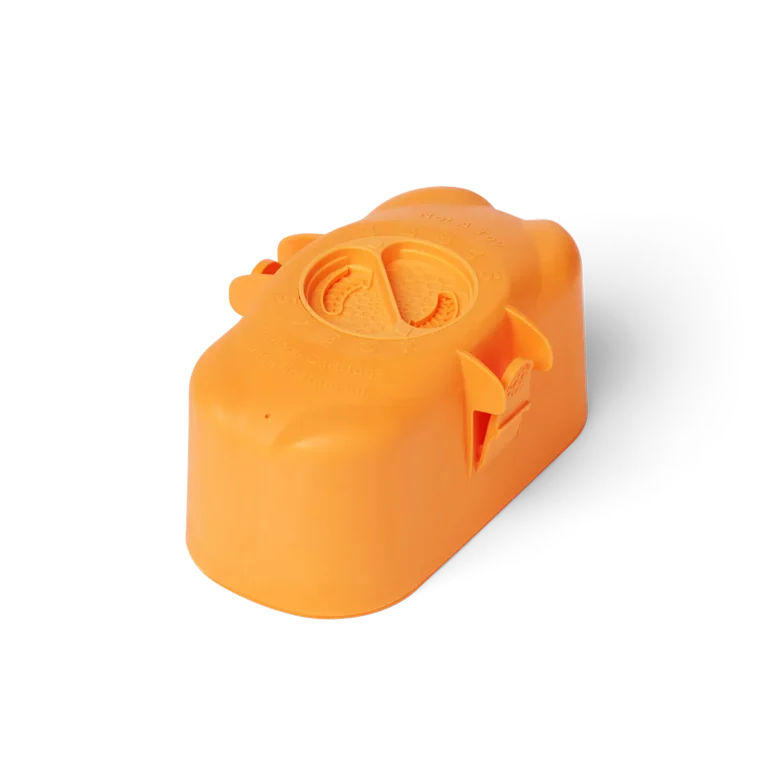
- Attach the green Mineral Cartridge to the orange Chlorine Cartridge
- Adjust the setting based on your pool size
6. Place the Flippin’ FROG XL
- Put it in the pool or tether it to the side
When it flips over it’s time to replace the chlorine cartridge.
Final Tip
Once everything is set, check your water regularly to keep it balanced and your system running smoothly.