
If Chlorine Is Too Low
- Check the Chlorine Cartridge
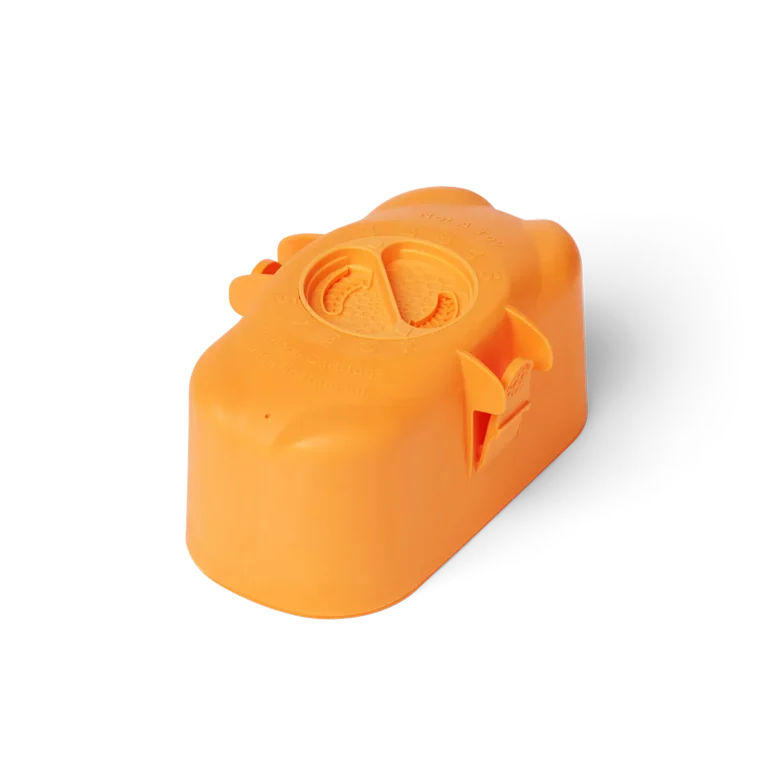
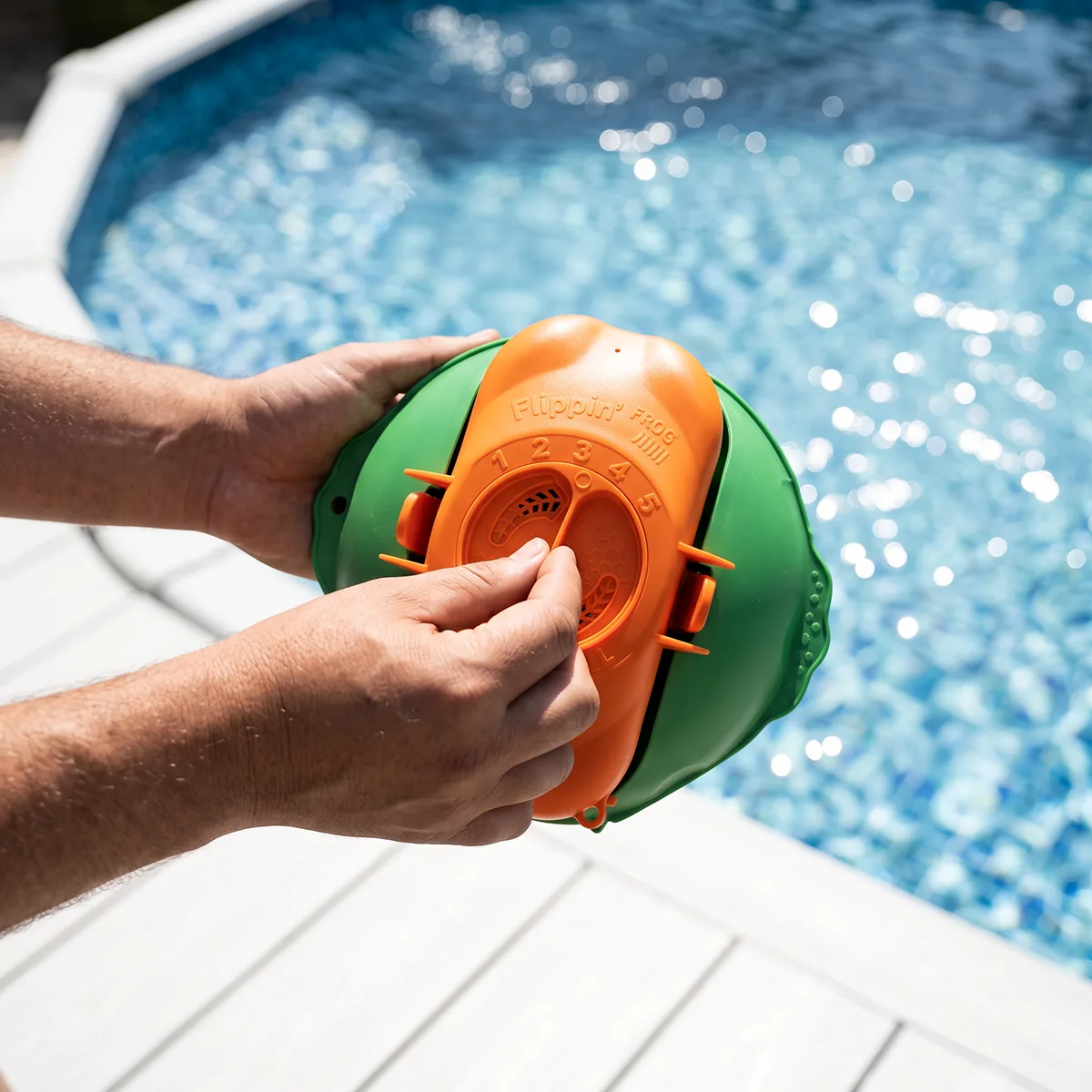
If the system is floating with the orange side facing up, the chlorine cartridge is empty and needs replacement. You can also shake the cartridge—if you don’t hear tablets rattling inside, it’s empty. - Adjust the Dial Setting
Increase the dial setting to raise chlorine output. Wait 24 hours, then retest your water to evaluate the change. If chlorine levels remain low even at the highest setting, you may need to add a second Flippin’ FROG based on your pool size and usage. - Shock the Pool More Frequently
If your pool has heavy usage, or the water temperature is above 80°F, shock the pool more often. Consider running your pump 24 hours per day during high-demand periods. - Check for Restricted Water Flow
Debris build-up can restrict water flow, preventing proper chlorine distribution. Clean the filter, skimmer basket and pump basket regularly.