
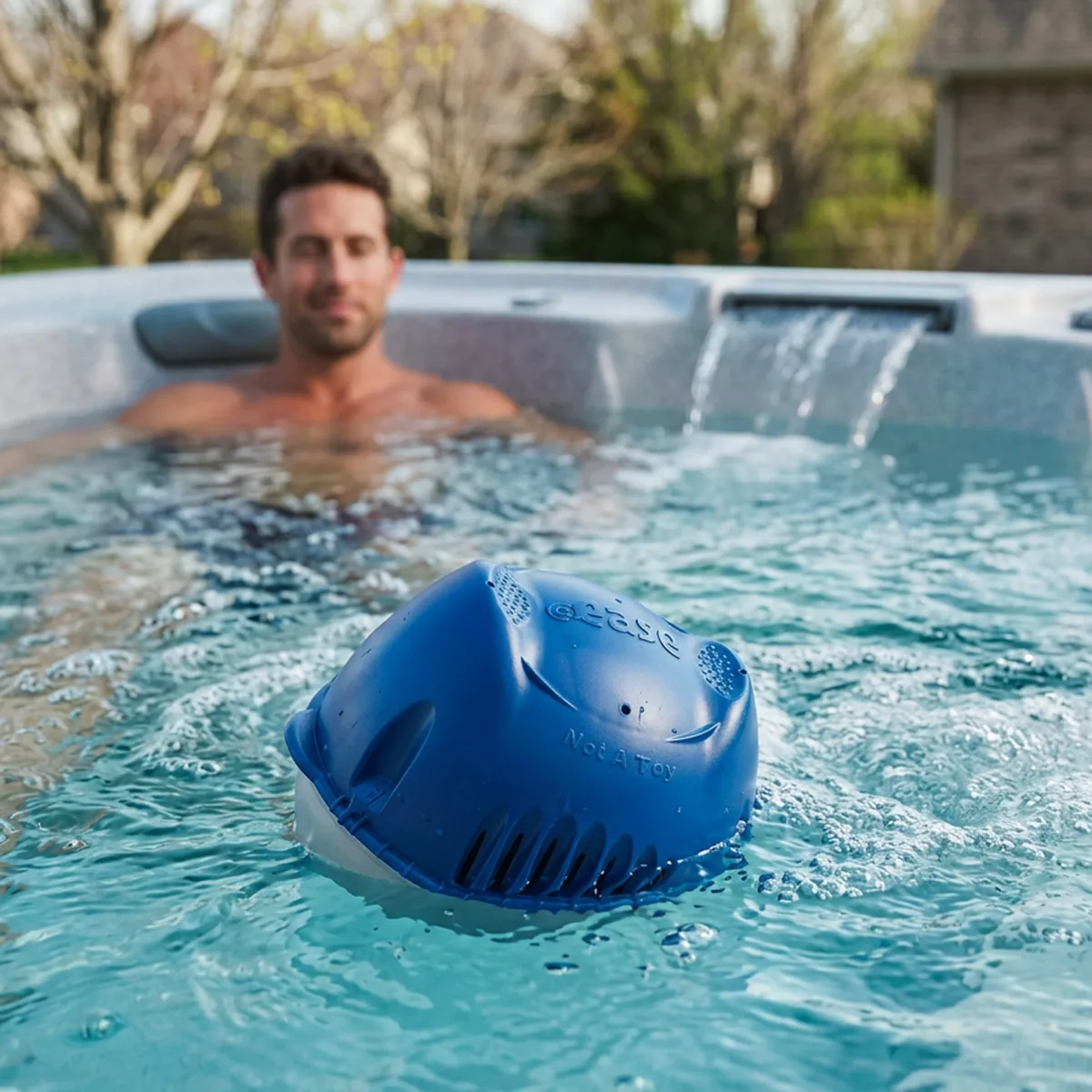
Ever find yourself wondering why your FROG® @ease® Floating System seems to be doing the cha-cha in your hot tub or swim spa?
Well, worry not — there’s a simple explanation behind that groovy tilt.
Why It Tilts
The most common reason is the SmartChlor® granules inside the silver cartridge. During shipping and handling, those granules can settle on one side. When the blue Mineral Cartridge and SmartChlor Cartridge are connected, the System naturally floats with the heavier side lower in the water. If more granules are resting on one side, the System may lean in that direction.
Does Tilting Affect Water Care?
No. Even when tilted, water continues to flow through the System and it keeps working as designed. A tilted System may look unusual, but it continues to sanitize your water normally.
If you’d like to confirm everything is functioning properly, test the water with a FROG® @ease® Test Strip.
How to Reduce the Tilt
Remove the System from the water and let it drain. Give it a gentle shake to redistribute the SmartChlor granules, then place it back in the hot tub or swim spa. This may help the System float more evenly.
How to Tell If the SmartChlor Cartridge Is Empty
A tilted System is different from an upside-down System. When the FROG @ease Floating System flips completely upside down, it’s a visual cue to replace the SmartChlor Cartridge. If you’re unsure, remove the System from the water, drain it completely and place it back in the hot tub. If it still flips upside down, replace the SmartChlor Cartridge.
You can also confirm by testing the water with a FROG @ease Test Strip.
Most SmartChlor Cartridges last 3 to 4 weeks, although heavy hot tub use will increase sanitizer demand and may shorten cartridge life. After periods of heavy use, test your water and use FROG Maintain® as needed.
Replacing the SmartChlor Cartridge
To replace the cartridge, remove the System from the water and drain it. Twist the SmartChlor Cartridge to align with the unlock arrow and pull it apart. Attach a new cartridge and adjust the dial according to the setting chart in the owner’s manual.
If the old cartridge still contains a small amount of SmartChlor, allow it to continue floating in the hot tub until empty. Do not let it rest on the bottom of the spa, as it may bleach the surface.
Used SmartChlor Cartridges can be recycled through participating FROG retailers.
Don’t Forget the Mineral Cartridge
The blue Mineral Cartridge lasts four months. When it’s time to replace it, you’ll need a new FROG @ease Floating Sanitizing System.
Depending on water quality and your maintenance schedule, replacing the Mineral Cartridge may also be a good time to drain and refill your hot tub or swim spa.
A tilting FROG @ease System is typically just a result of the SmartChlor granules settling inside the cartridge. As long as the System is floating and testing properly, it’s doing its job.
*Compared to the minimum ANSI-recommended chlorine level of 2.0 ppm for a hot tub.