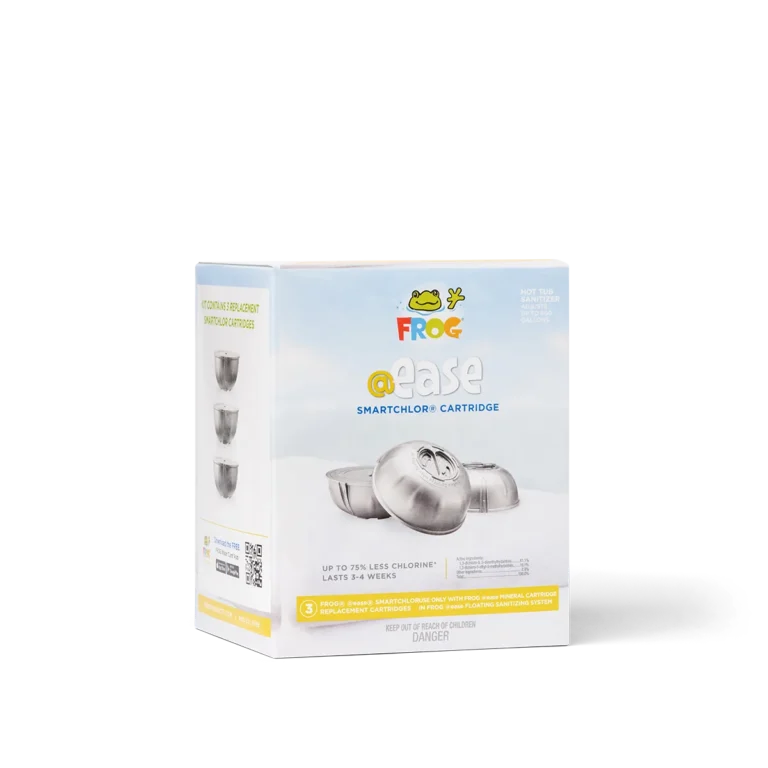


If your FROG @ease Test Strip shows a lighter color than the bottle label, first check to see if your SmartChlor Cartridge is empty.
- Check the SmartChlor Cartridge
- Remove the cartridge from the system
- Drain the water and shake it
- If you don’t hear anything inside, it’s empty and needs replacing
- If the cartridge is not empty, turn the dial up one setting number
- Check water balance
If the cartridge isn’t empty, test your water. Proper balance is required for SmartChlor to work effectively. If levels are off, adjust using FROG Balancing Basics® Kit.- Total Alkalinity: 80-120 ppm
- pH: 7.2-7.6
- Total Hardness: 150-250 ppm
- Check the Mineral Cartridge
Even if you hear minerals inside, they may be used up. Replace the blue Mineral Cartridge every 4 months.