
Green or discolored hot tub water is typically caused by metals in the water or improper water chemistry.
- Metals such as copper, iron, or manganese can cause the water to appear green, blue, brown, or even black, especially after adding sanitizer or shock.
- Unbalanced pH or alkalinity can cause metals and other contaminants to come out of solution, resulting in cloudy or discolored water.
- Low sanitizer levels can allow algae or bacteria to grow, although algae is less common in hot tubs than in pools.
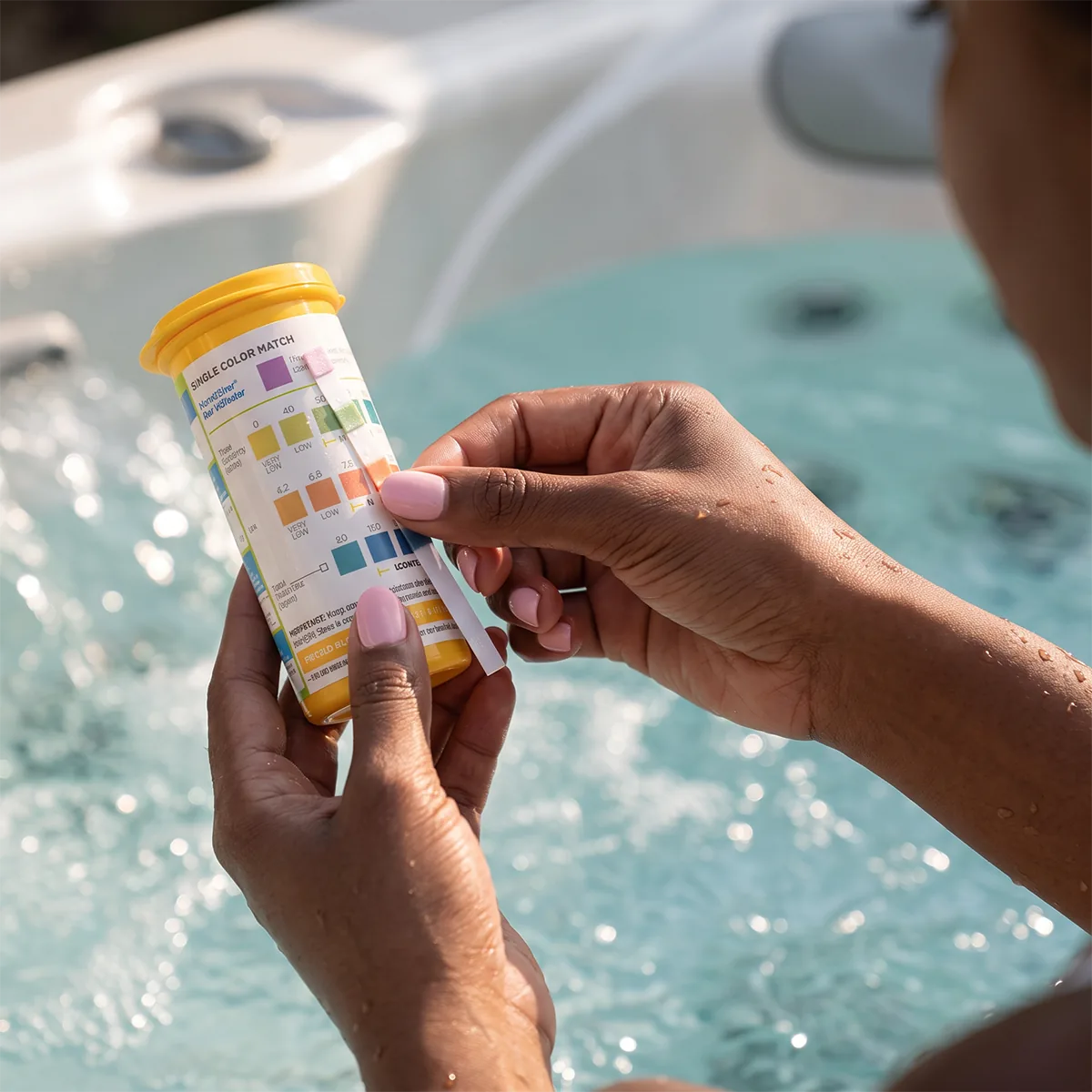
If your water changes color suddenly after refilling, shocking, or adjusting chemicals, metals are often the cause. Regular water testing and maintaining proper sanitizer levels and water balance can help keep hot tub water clear and inviting.
How to Fix Algae
- Check water balance
If levels are off, adjust using FROG Balancing Basics® Kit - Shock
Add a hot tub shock like FROG Maintain® to the water. - Check the SmartChlor® Cartridge
Remove the SmartChlor Cartridge from your system. Drain and shake to see if you hear any SmartChlor inside. If empty, replace with a new one. - Check the Mineral Cartridge
Even if you hear minerals inside, they may be used up. Replace the blue Mineral Cartridge every 4 months. - If algae is persistent
If algae is persistent and it’s been more than 6 months since the hot tub was drained, it’s time to drain and refill.
Prevent Algae in the Future
- Maintain the proper pH range of 7.2-7.6 at all times.
- Make sure to replace your SmartChlor Cartridge when empty.
- Clean your filter cartridges regularly.
- Try to keep organic matter like leaves and bugs out of the hot tub (use a cover if outdoors).
- Always shock with FROG Maintain non-chlorine shock for hot tubs monthly or when replacing your SmartChlor Cartridge.