
How to Start-Up a Swim Spa
- Fill and check hardness
After draining and cleaning, fill the swim spa with fresh water and check your Hardness level first. If higher than 250 ppm, ask your dealer for a stain and scale preventor and follow the directions on the product. - Balance the water
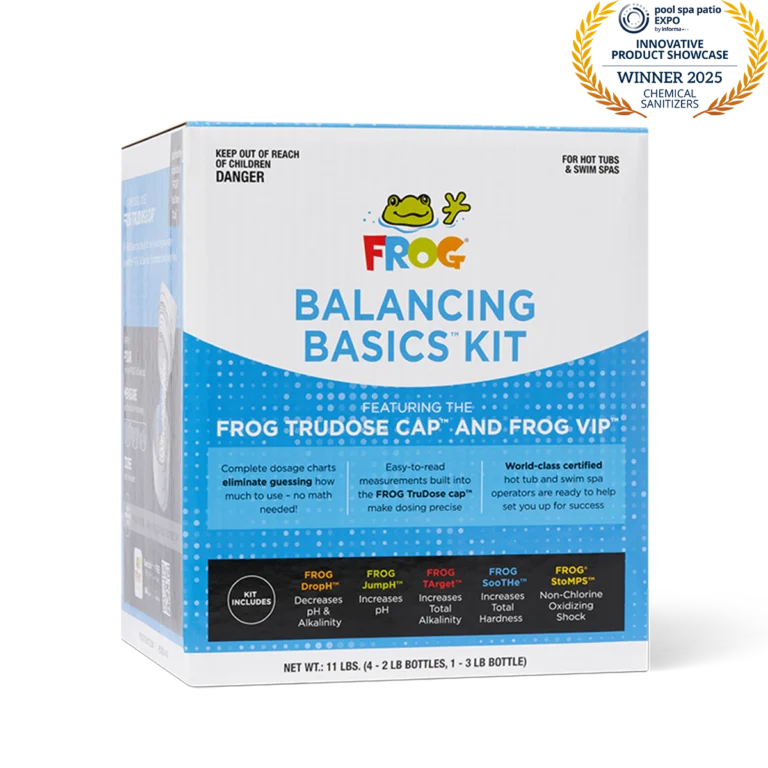
Always start by balancing your water. - Shock the water
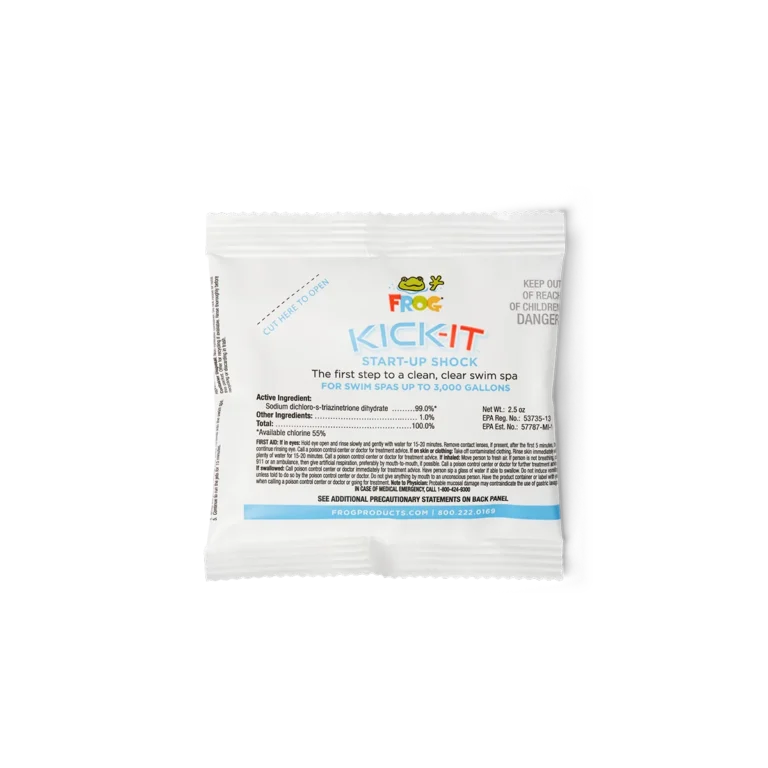
Add a dose of dichlor (chlorine) to boost chlorine levels. - Set up the FROG @ease System
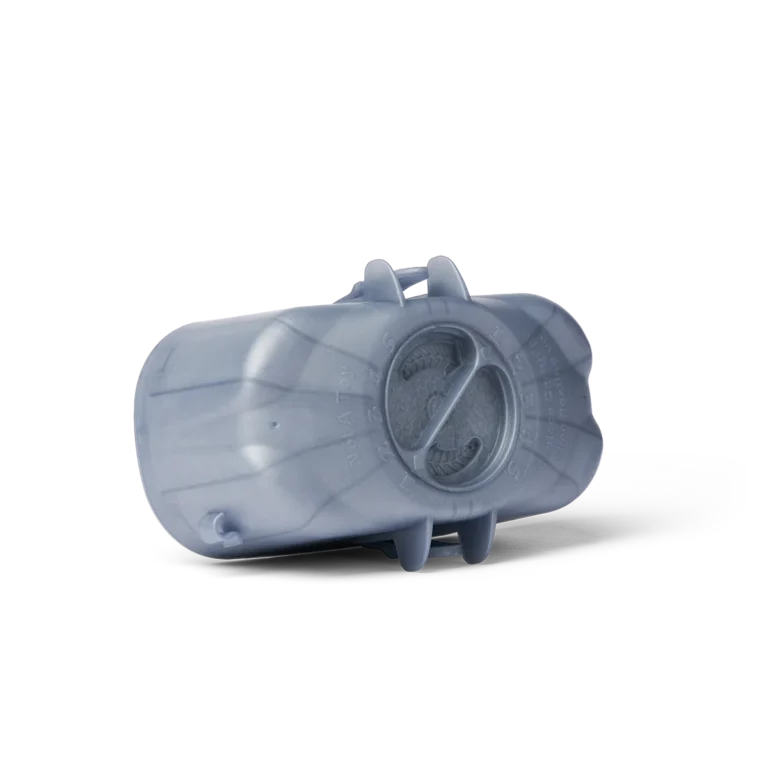
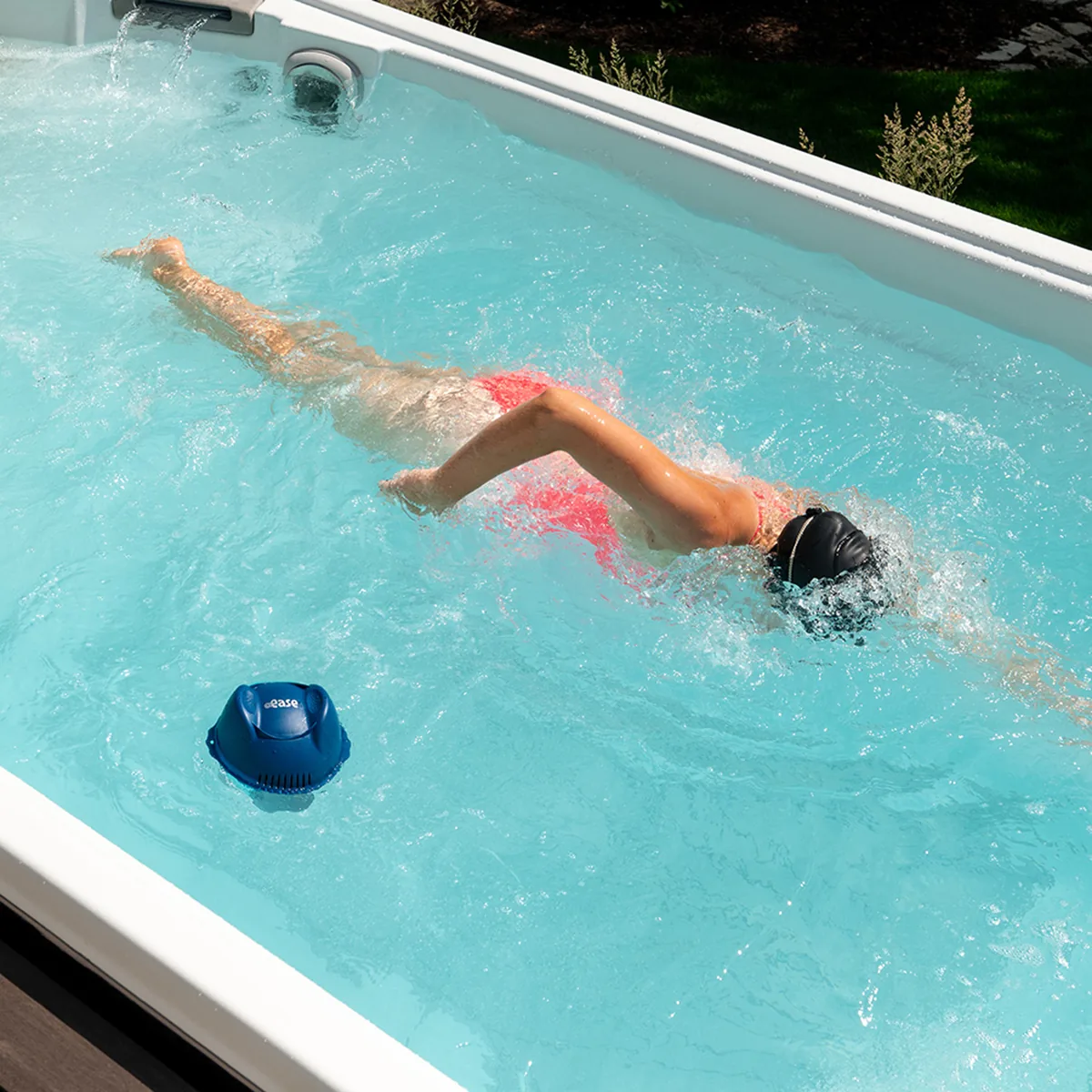
Always begin with a fresh Mineral Cartridge, which lasts up to 4 months. Attach the blue Mineral Cartridge to the silver SmartChlor® Cartridge. Adjust the setting based on your swim spa size using the chart in your owner’s manual. - Place the system in the water
Simply place (or secure with a tether) the FROG @ease Floating Sanitizing System in your swim spa. When the system flips over, it’s time to replace the SmartChlor Cartridge.