
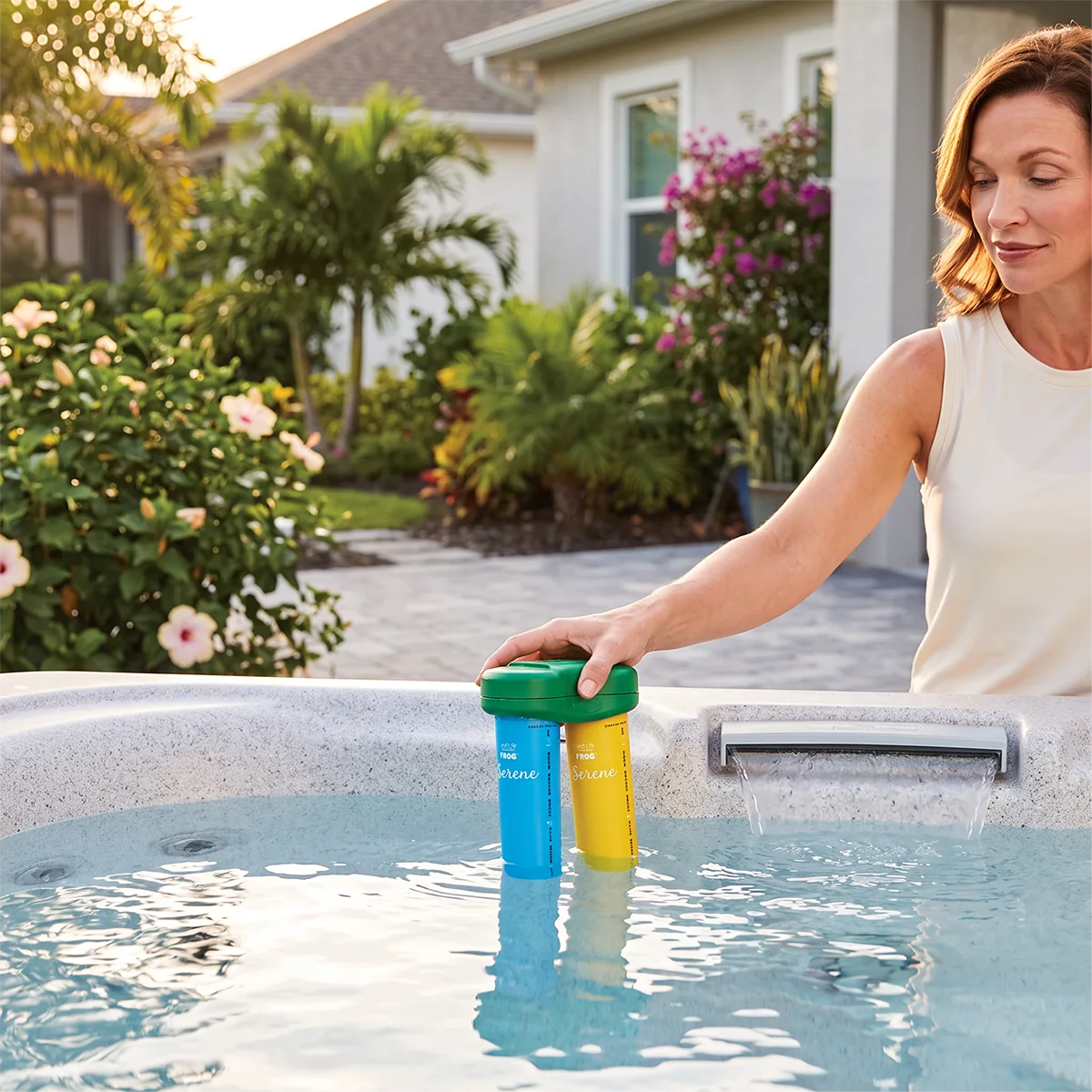
- Check the bromine cartridge
Remove the cartridge and let the water drain.- Shake it gently
- If no chemical is left inside, replace it with a new cartridge
- Check the cartridge setting
The setting may be too low. Increase the setting one level at a time.- Wait 24 hours, then test the water
- Continue adjusting until the bromine level stays between 1.0 and 2.0 ppm
- Once you find the correct setting, leave it unchanged
- Consider how often the hot tub is being used
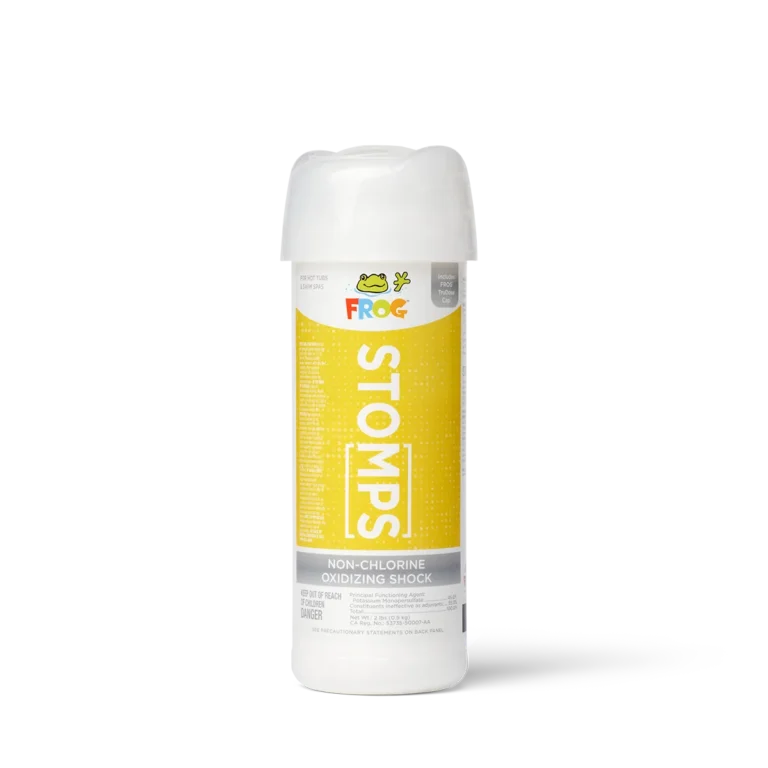
Heavy use increases bromine demand. For temporary heavy use (such as a party), add a non-chlorine shock treatment like FROG Maintain®. If heavy use is frequent, increase the cartridge setting. - Clean the filter
A dirty filter restricts water flow. Reduced water flow means less bromine is dispensed. Clean or replace the filter as needed. - Check your test strips or test kit
Most test strips and reagents expire after 12–18 months. Expired tests may give inaccurate readings. Avoid touching test strips with wet hands, as moisture can damage or contaminate them.


- Hot Tub
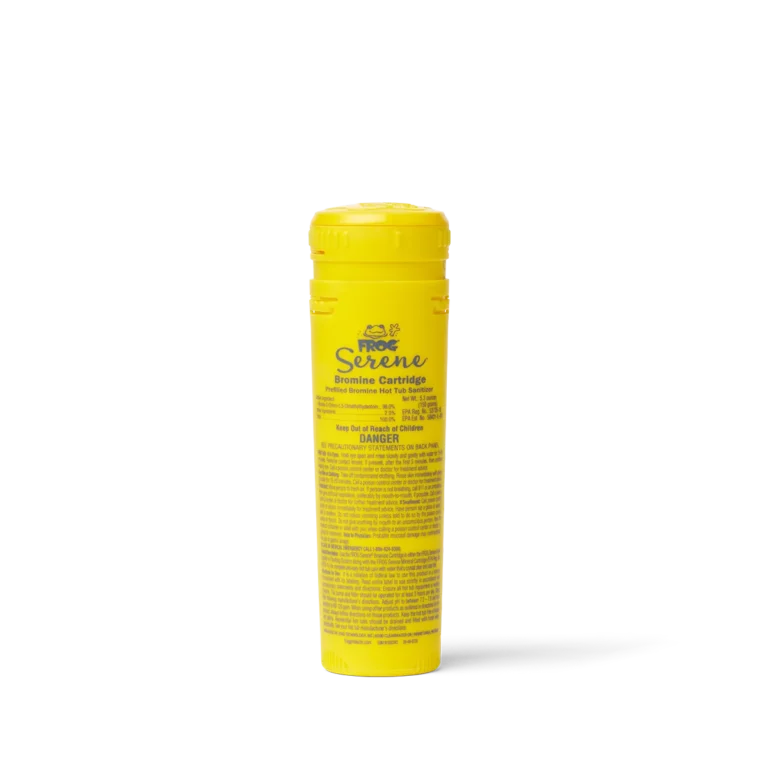
FROG Serene® Bromine Cartridge 150g
Replacement Bromine Cartridge for the FROG Serene Floating System